You know that feeling when you’re up on a trade, your portfolio’s looking shinier than a new iPhone, and you think, “I’ll just hold a little longer”? Fast-forward ten minutes, and the chart nosedives harder than your weekend diet.
This is when you need a take profit order: your safety net against your own FOMO.
Think of it as putting your gains on autopilot. The market does the work, your trading platform does the execution, and you give yourself a better chance to keep the profits without second-guessing yourself.
Read on to learn how take profit orders work, why traders rely on them, and how you can use them to attempt to secure gains without losing sleep.
What is a take profit order?
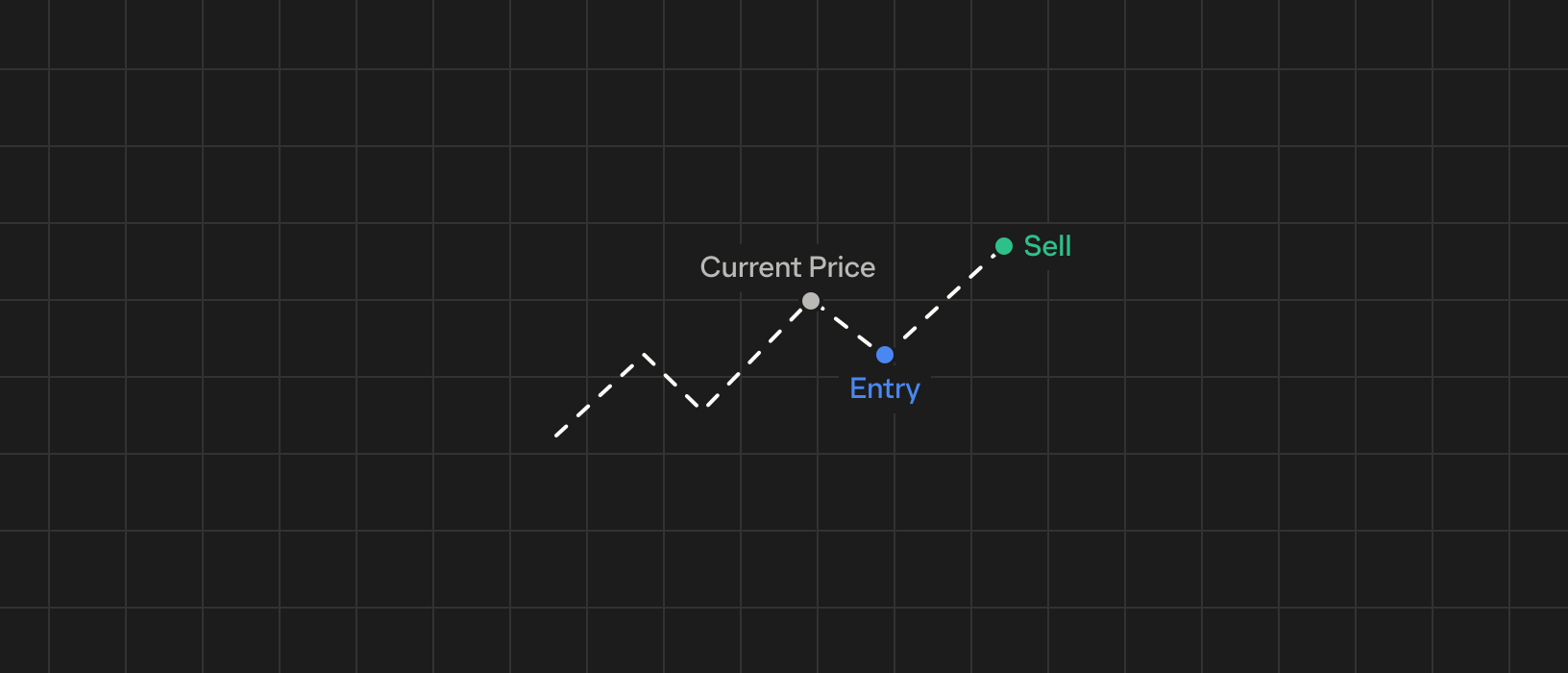
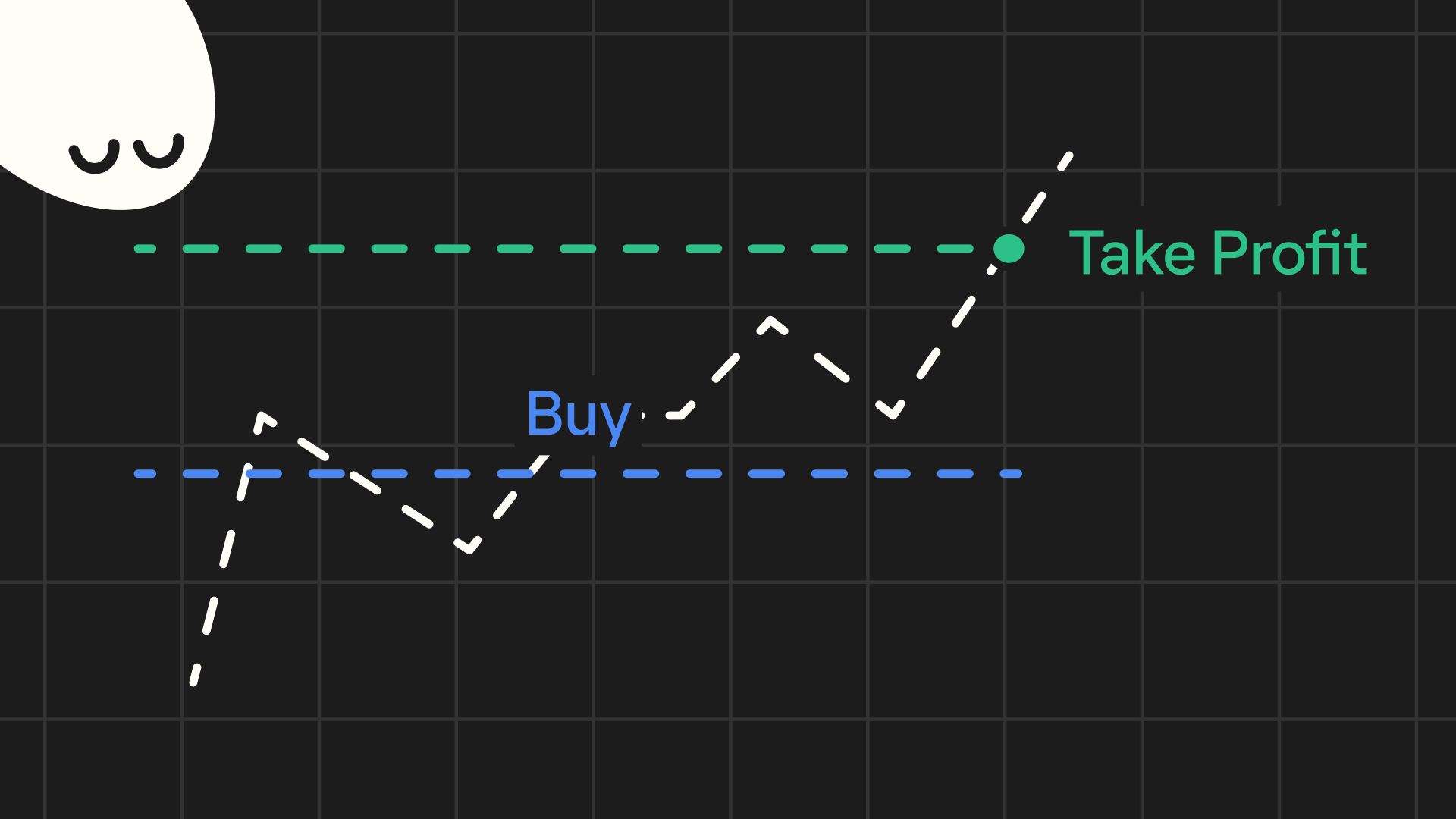
A take profit (TP) order is an instruction to automatically attempt to close your position once the price reaches a specific target. In other words, you decide in advance at what price you want to take your profit, and the system will execute the instruction.
For a long position, the take profit price is set above your buy price. For a short position, the take profit is set below your entry price. And if the market moves in your favor, you may lock in gains without needing to manually sell at that moment.
How take profit orders work
Take profit orders work by attempting to execute a trade once your target price is reached.
Here’s how it generally works, step by step:
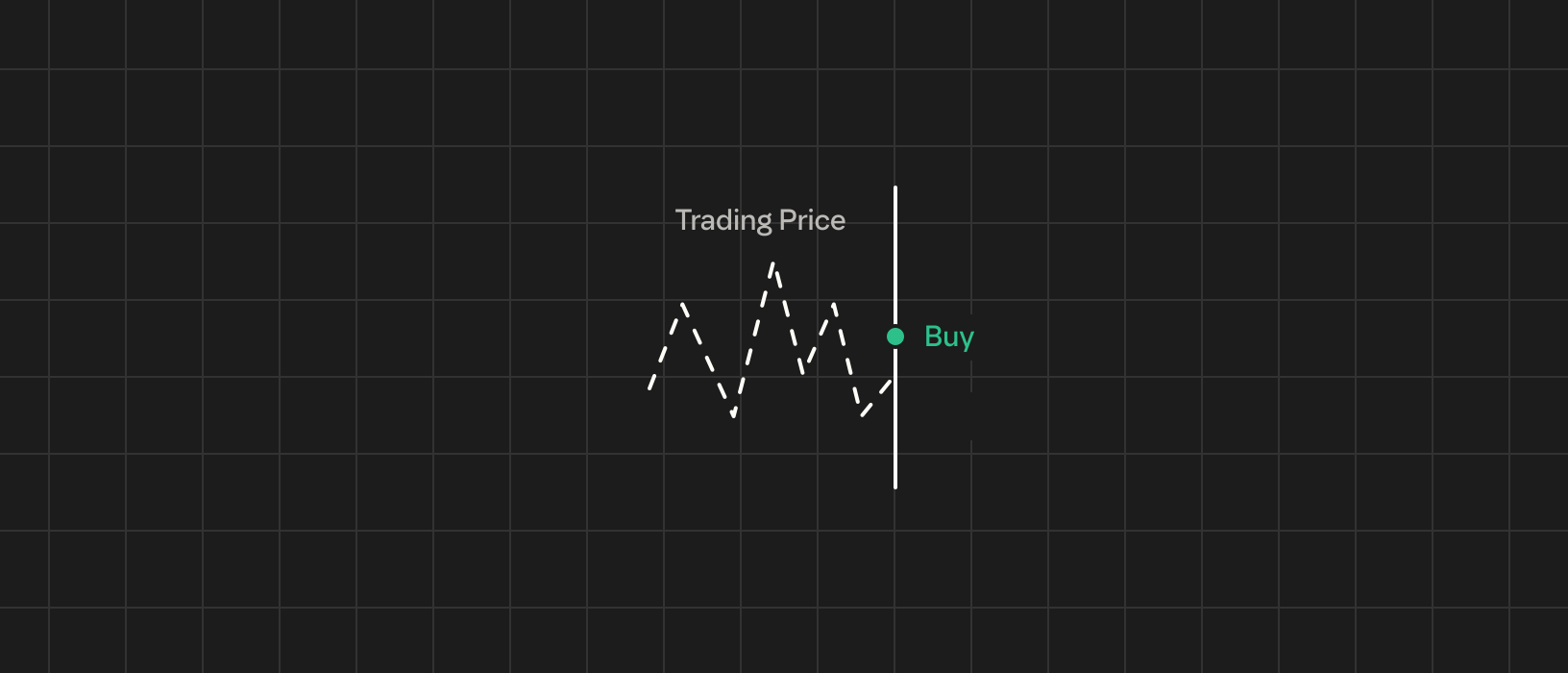
- Set the order: You open a trade—for instance, you enter a SOL position at $140. You decide a reasonable profit target is $200, so you place a take profit order at $200 to sell your SOL position.
- Order triggers: The take profit order sits inactive until the market’s last traded price hits $200. Once the price reaches that point (your trigger price), the order becomes active.
- Position closes: The trading platform will then execute the sell. If your take profit is a limit order, it will attempt to sell at $200 (or better) to get you that price. If it’s a market order, it will aim to sell immediately at whatever the current market price is once $200 is touched. Execution is likely, but the fill price can differ from $200, especially in volatile or illiquid markets.
Why traders use take profit orders
Take profit orders are popular among crypto traders for several reasons:
- Locking in gains: Crypto markets trade 24/7 and can be very volatile. A take profit order helps you capture gains when your position hits your desired price.
- Stress reduction: Once you set a take profit, and if your target price is reached, the order will attempt to execute. You can go to work, get a good night’s sleep, or enjoy your day without staring at the price ticker.
- Emotional discipline: Take profit orders help remove emotion from your trading. When you set one, you’ve predefined your exit strategy. This means you’re less likely to let greed take over and keep holding out for more, only to see the market reverse and wipe out your profit.
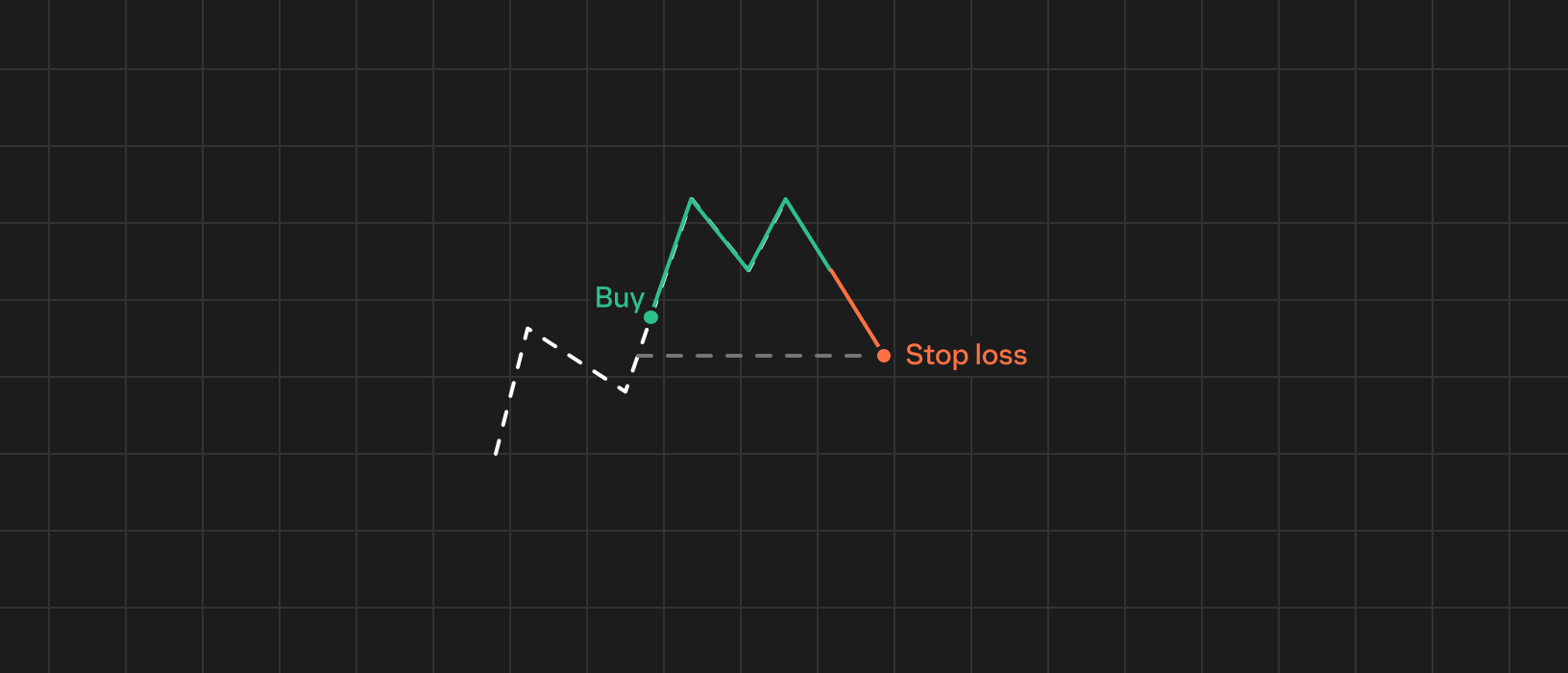
- Risk management: In essence, using a take profit is part of good risk management. It also goes hand-in-hand with using a stop loss. By setting both a take profit and a stop loss, you define your potential reward and risk upfront for each trade.
Take profit orders: Advanced strategies
Once you understand the basics of take profit orders, you can combine them with other tactics to improve your trading strategy.
Here are some more advanced ways to use take profit orders:
- Scaling out: You don’t always have to close your entire position at one price. Many crypto traders take profits in portions. This way, you lock in some profit at the first level, and if the price continues to rise, you gain even more on the rest of your position.
- Trailing stop: A trailing stop is essentially a dynamic take profit that moves up with the price. Instead of deciding on a fixed exit price, you set a trailing distance (say 10%). As the market price goes up, the trailing stop price will also go up, staying 10% below the peak price. If the price eventually falls by 10% from its highest point, the trailing stop triggers a sell. This approach is designed to capture profit as the price rises and you only exit when the market finally dips by the set amount.
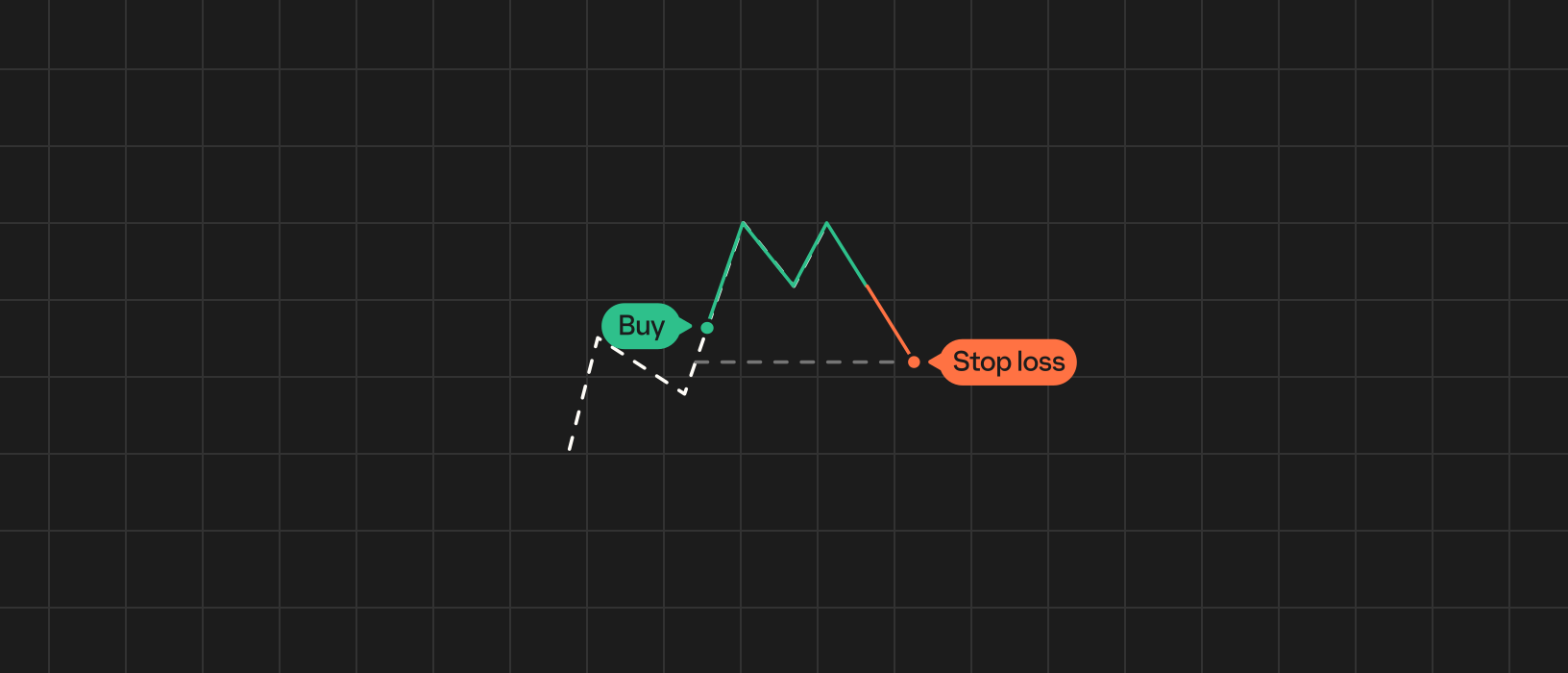
- OCO bracket orders: Many advanced traders use a combination of a take profit and a stop loss as a single bracket order. This is often called an OCO order, meaning one-cancels-the-other. You set two linked orders: one above the price to take profit, and one below the price to stop loss. Whichever gets hit first will execute, and the other order will automatically cancel. This strategy covers both outcomes—a gain or a loss—and it’s very useful for risk management.
Keep in mind that advanced strategies require careful planning. If you set multiple take profit orders or use trailing stops, make sure they align with your analysis and risk tolerance. It’s also wise to practice these features on a demo account or with small amounts to get used to how they execute. Advanced order types like trailing stops or OCO can behave differently than basic orders, so understanding their behavior in live markets is key.
Take profit orders: Common mistakes & best practices
Even with a simple concept like take profit orders, traders can run into pitfalls.
Here are some common mistakes to avoid:
- Unrealistic targets: Basing targets on hope rather than analysis (such as known resistance levels or typical price ranges) can lead to missed opportunities. Always ground your target in reality; look at the chart to see if your goal makes sense in the current market context.
- Exit plan: Some traders never set a take profit or ignore it, thinking the price will just keep rising. Failing to have an exit plan means you might watch a big gain turn into zero or even a loss if the market reverses.
- Emotion override: Suppose you set a take profit, but as the price gets near it, you cancel the order because you think “it’s going to go even higher.” If you do this on the fly without a solid reason, you’re letting emotions override your plan—that's how profits evaporate.
- Stop loss: A take profit on its own aims to capture profit, but what if the trade goes the wrong way? Failing to pair a take profit with a stop loss is a risk. If the price drops sharply and you have no stop, you could take a big loss while waiting for a profit that never comes. It’s generally a mistake to focus only on the upside and ignore the downside.
- Liquidity & slippage: Beginners might not realize that in very fast markets or on low-liquidity assets, just hitting your price doesn’t guarantee a fill. If you set a take profit limit order at a price where order books are thin, the price could tag that level, but your order might only partially fill or not at all. Similarly, with a market-triggered take profit, a sudden spike could execute your order at a lower price than expected due to slippage. Ignoring these factors can lead to disappointment.
Take profit orders vs. stop loss orders
Take profit (TP) and stop loss (SL) orders are two sides of the same coin. Both are exit orders you set in advance, but they serve opposite purposes. In essence, take profit = “sell when I’m winning,” and stop loss = “sell when I’m losing.”
It’s common and often wise to set both a take profit and a stop loss on the same trade (as discussed, usually via a bracket/OCO order). This way, you have a complete exit strategy: you define your intended best-case and worst-case scenarios before entering the trade.
When a take profit hits, you feel success—your plan worked and you made money. When a stop loss hits, it might feel disappointing, but it’s doing its job of helping limit further losses. Both should be seen as positive tools: TP confirms a good trade, SL saves you from a bad trade getting worse.
Take profit order trading with Phantom
Beyond spot trading, Phantom Perps enables eligible users in permitted jurisdictions to trade perpetual futures using various order types, including take profit and stop loss orders.
Most perps platforms today are designed for pros with complex trading features, which can be challenging and potentially dangerous for inexperienced users. But with Phantom’s intuitive, mobile-first design, you can easily open, close, and manage positions directly within your wallet. Even so, the same underlying risks apply, regardless of the fact that Phantom Perps may feel more straightforward to use.
FAQs
Disclaimer: This content is for general educational purposes only. It is not financial advice, investment guidance, or a solicitation to buy, sell, or trade any assets, products, or services. Past performance is not indicative of future results. Any examples or strategies discussed are for illustrative purposes only and should not be considered as recommendations. Perpetual futures are complex, high-risk instruments that are not suitable for all investors. Phantom Perps are not available everywhere. This guide is not intended for UK audiences.